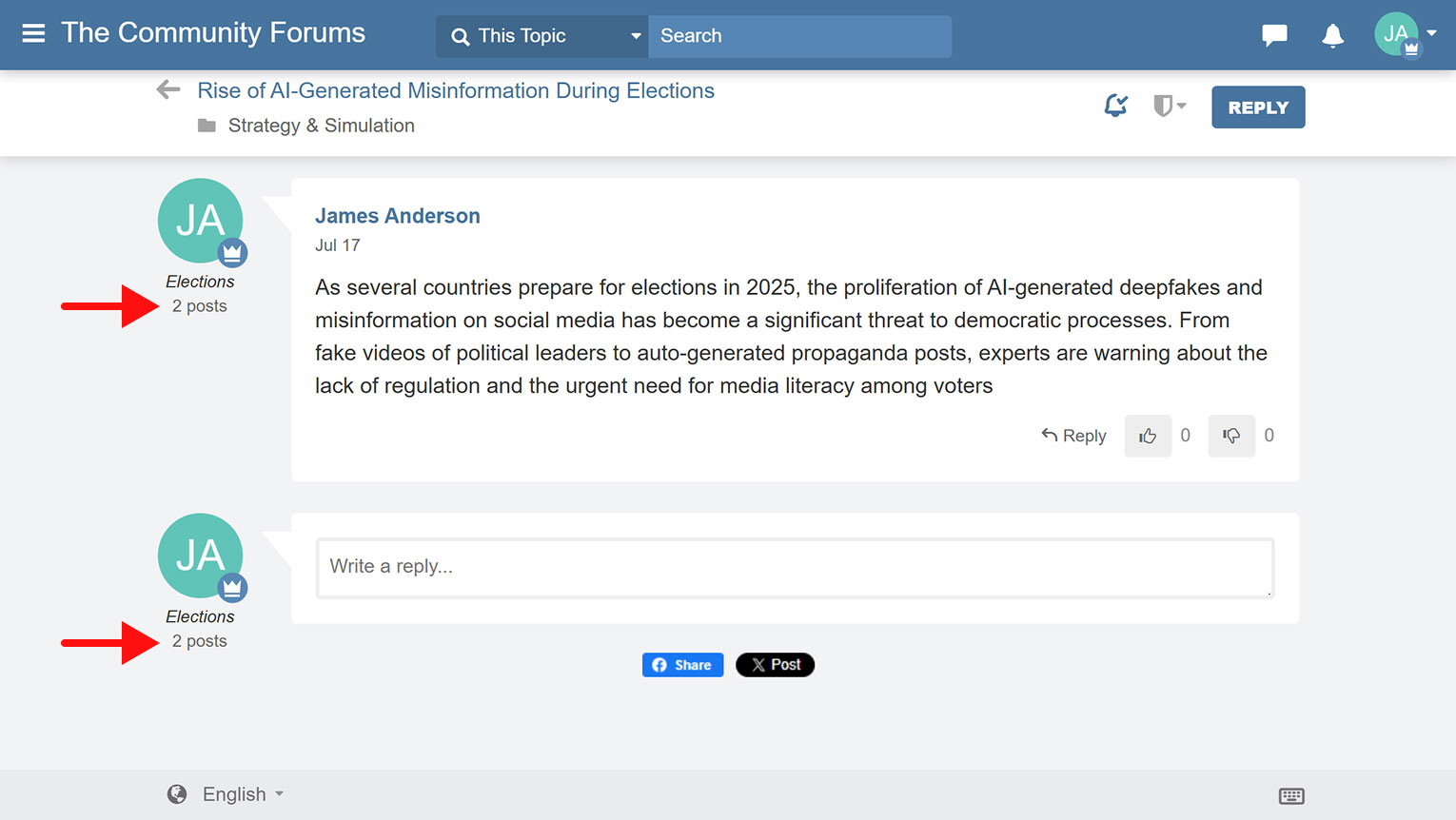
You can display the total number of posts each user has made below their profile avatar within posts by following the steps below:
- Log in to your Website Toolbox account.
- Click the Integrate link in the main menu.
- Click the Custom Code link.
- Copy the code below and paste it into the Forum Head Tag HTML Code text box:
<style> .wt-body #body-wrapper #posts-list .number-of-posts { display: block !important; } </style> - Click the Save button at the bottom to apply the changes.
- After saving, the total number of posts made by each user will appear under their avatar on forum posts.