
You can follow the instructions below to add a cookie consent dialog to your forum to comply with European Union cookie and GDPR laws. Our cookie list article explains which cookies your forum sets, what they are for, and how long they last.
- Log in to your Website Toolbox account.
- Click the Integrate link in the main menu.
- Click the Custom Code link.
- Insert the code mentioned below into the Forum Head Tag HTML Code textbox.
- Insert the code mentioned below into the Forum Footer HTML Code textbox.
- Save the changes.
<style>
#wt-cookie-banner {
	background: #000;
	color: #fff;
	padding: 20px;
	position: fixed;
	bottom: 0;
	left: 0;
	right: 0;
	z-index: 9999999;
	display: flex;
	align-items: center;
	flex-wrap: wrap;
	gap: 12px;
}
#wt-cookie-banner > p {
	margin: 0;
	flex: 1 1 300px;
}
#wt-cookie-banner #wt-cookie-accept-btn {
	color: inherit;
	border: 1px solid;
	padding: 3px 12px;
	text-decoration: none;
}
#wt-cookie-banner #wt-cookie-accept-btn:hover {
	background: rgba(255, 255, 255, 0.2);
}
</style>
<script>
window.addEventListener("load", function() {
	if(jQ('#wt-cookie-accept-btn').length) {
		if(typeof getCookie("cookieAllowed") == "undefined" || getCookie("cookieAllowed") == "") {
			jQ('#wt-cookie-banner').removeClass('hidden');
		}
		jQ('#wt-cookie-accept-btn').click(function() {
			setCookie("cookieAllowed",1,365,1);
			jQ('#wt-cookie-banner').addClass('hidden');
		});
	}
});
</script>
<div id="wt-cookie-banner" class="hidden"><p>We use cookies to make the forum work and to see how it is used. See our <a href="https://www.websitetoolbox.com/support/what-cookies-are-stored-by-the-forum-599" target="_blank">cookie list</a> for details. By clicking Accept you agree to our use of cookies.</p>
<a id="wt-cookie-accept-btn">Accept</a></div>
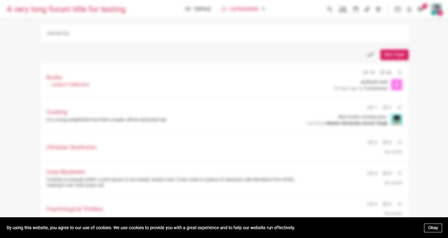
Desktop:
Mobile:
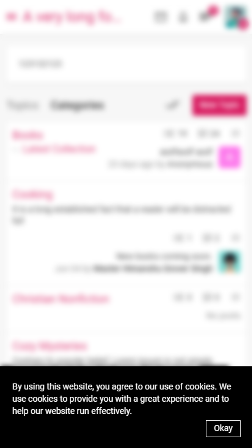
The screenshots show an earlier version of the banner; the current code adds a link to the cookie list and an Accept button.
When a visitor is challenged by the forum's bot protection, Google reCAPTCHA runs so the forum can tell humans apart from bots, and Google may set its own cookies at that moment. This is separate from the consent dialog above and is described in the cookie list article.
For a more advanced approach, you can use third-party services such as cookie consent, Osano, or a different service.